
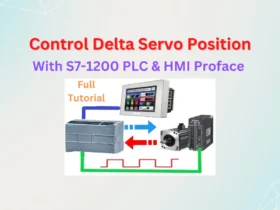
Full tutorial control Delta servo position with S7-1200 PLC and HMI. An article in the series Delta Servo Training on 365evn Automation blog.
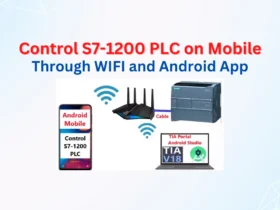
The article in the series Automation Training on 365EVN. I guide you to Control S7-1200 PLC on Mobile Through Wifi with Android App
Fix error "Adaptation of target device failed. Download has failed due to missing panel image" on WinCC - TIA Portal V19 or TIA v16, v17, v18...
WinCC Flexible Smart V4 SP2 is an Automation Software from Siemens. You can download Smart Line HMI software V4 SP2 free on 365evn.

The newest version – Logo Soft Comfort V8.4.0 is available to download on 365evn for Logo products - a Micro PLC made by Siemens.

Simatic S7 PLCSIM V19 and S7 PLCSIM Advanced V6.0 were released with TIA Portal V19 with more new functions. Download all on 365evn.

Siemens Prosave V19 helps you make the service maintenance for all Simatic HMIs. Download the Simatic Prosave V19 newest on 365evn.

TIA Portal v19 download with more improvements, functions is available to download on Nov 2023. Download TIA portal v19 and update 1, 2... on 365evn.

The link to download the TIA Portal V16 update 6 (Incl upd1 to up5), it brings some improvements, and fixes the crash from user feedback.

STEP 7 MicroWIN SMART v2.8 supports Windows 11, is the latest version of PLC Programming software for the S7-200 SMART series.